Addon Installation in the XYZ Newsletter Manager Premium Plugin
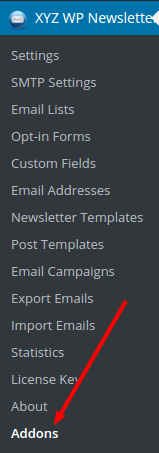
- Please go to the “Addons” page by clicking the addon link in the menu.
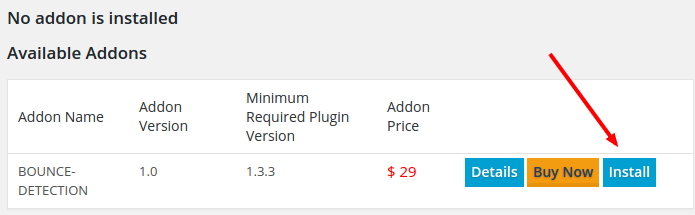
- Click on the “Install” button in the page. (If you have not purchased the addon, it will ask you to purchase it first.)
- After the installation, click on the “Activate” link.

- The addon is now ready to use.

If you cannot do the automatic installation, please do the following.
- Download the addon from the XYZScripts Member Area.
- Unzip the addon and upload the folder to the “Addons” folder in the XYZ Newsletter premium plugin through FTP
- Now you can see the addon in the installed addons section and you can activate it.
If there is any issue, please contact our support desk.